


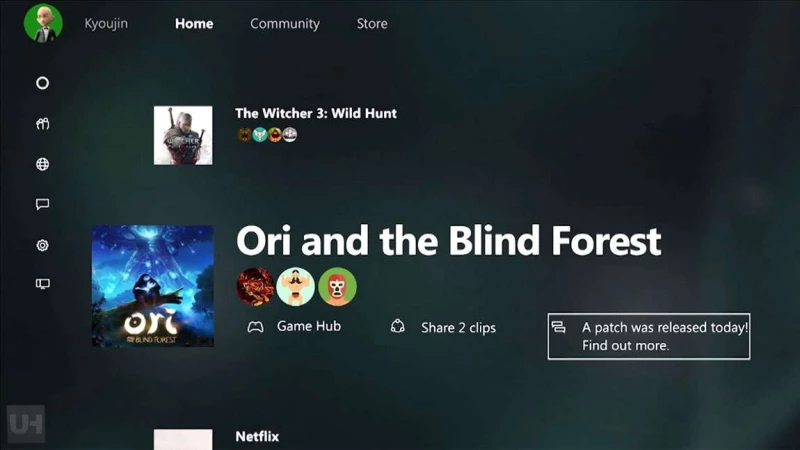
Η Microsoft ανακοίνωσε την διάθεση αρκετών νέων χαρακτηριστικών στο Xbox app για τα Windows 10, τα οποία πρώτα θα απολαύσουν οι Preview χρήστες του Xbox One. Τα παρακάτω χαρακτηριστικά προσθέτουν περισσότερες επιλογές στους χρήστες του Xbox σχετικά με την διαχείριση του account τους και της βιβλιοθήκης τους, εφόσον έχουν εγκατεστημένο το Build 10158 των Windows 10.
Αναλυτικά οι προσθήκες της εφαρμογής Xbox on Windows 10, όπως δημοσιεύθηκαν στο Major Nelson.com:
Advertisement
- My Games – As you install games from the Windows Store, they will appear in your My Games list. Additionally, you can manually add games to your collection by selecting My games > Add a game from your PC. Also, there is now a Featured games section on the home screen, below your Recently played list.
- Game hubs – You can now launch a local PC game from its game hub, view details about the game in the Windows Store, and find and follow People to Watch for a given game. Additionally, for Xbox One games, you can now choose Play from console to initiate a game streaming session from a game hub page.
- Share with your friends – You can share your achievements to your Activity feed and Showcase just like you do on Xbox One. You can also share your Xbox One Game clips or Screenshots listed under Game DVR > Shared to your Activity Feed and Showcase.
- Xbox avatars – We renamed the Avatars app on Windows 10 to Xbox Avatars and the layout and iconography have been updated to final designs. In this month’s preview, there is a “Take a photo” feature so you can pose your avatar and snap a photo.
- Xbox account – In preview, you can sign in to Xbox on Windows 10 with any account, and create a new Xbox account if you do not already have one.

Must Read

Gaming News
Έρχεται νέο μοντέλο του Nintendo Switch 2 στην Ευρώπη!

Gaming News
Έφτασε το νέο update του PS5 και βελτιώνει την απόδοση και τη σταθερότητα
·
7

Gaming News
Τα νέα παιχνίδια του Xbox Game Pass για τον Ιούνιο!

Gaming News
Ξεσπά ο δημιουργός των Ελληνικών God of War για το Laufey: «Τι σ***ά είναι αυτό;»
·
9